
Photo setup
How to take a clearer photo for a count estimate
A tidy frame can make an object-count photo easier to inspect, but it cannot guarantee the total that a camera-based tool will return.
Published
Separate the scene before you shoot
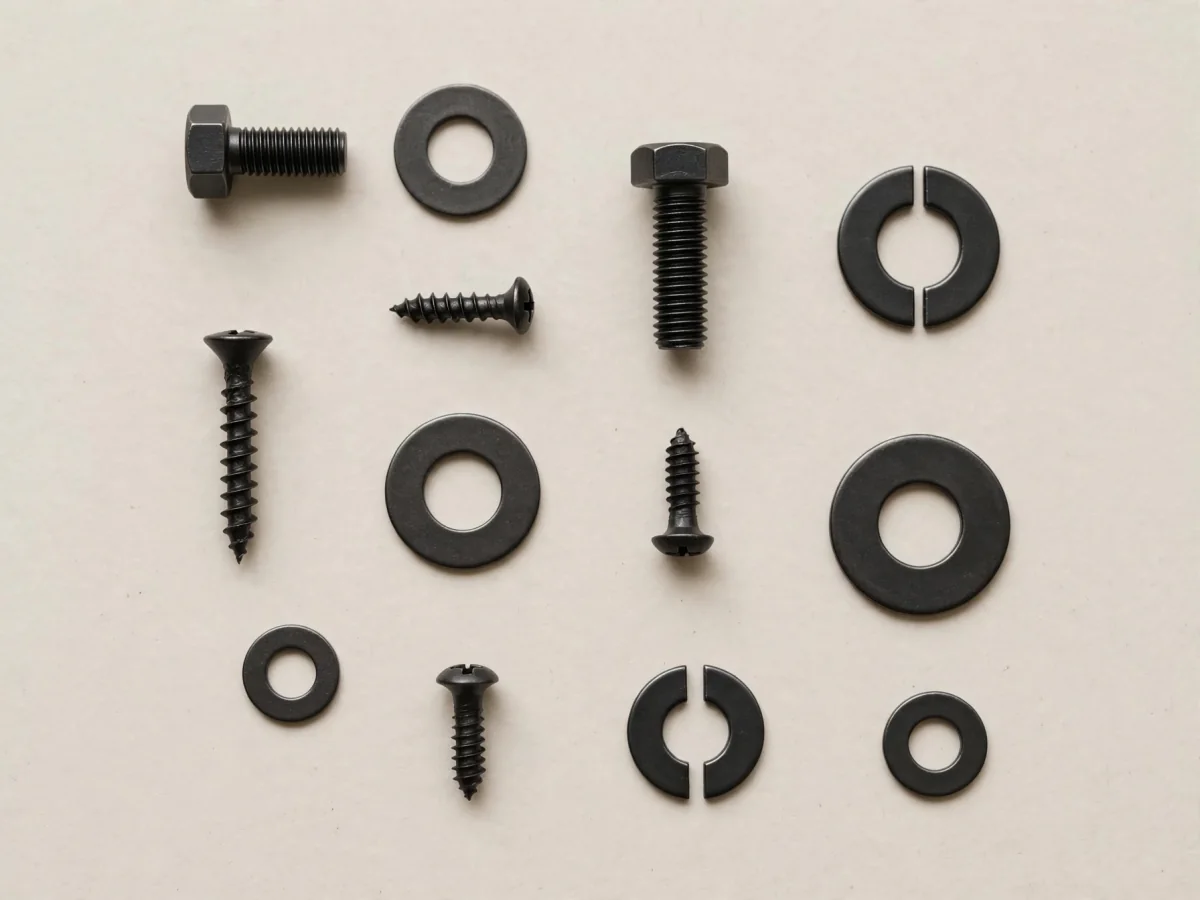
Spread the objects out so fewer edges hide behind other edges. If you are checking a handful of similar items, place them on a plain surface with small gaps between them. Move unrelated items out of the frame so the objects you care about are visually distinct.
If the pile is too large to spread safely, split it into smaller groups and photograph each group separately. Keep your own note of which groups belong together; the app’s Scan History is for revisiting scans, not a substitute for a verified inventory ledger.
Keep the camera steady and the scene inside the frame
Use a stable surface or hold the phone with both hands. Aim so the whole group fits within the photo, then tap to focus on the objects. A top-down view can make a flat tabletop layout easier to review because the objects are seen from a similar angle.
Do not crop away pieces near the edge. If an item is partly outside the frame, the image contains less information about it. A second, wider photo may be more useful than zooming in until the scene is cut off.
Choose light that keeps edges visible
Even indoor light usually gives a more readable frame than a strong point of glare. Avoid a shadow falling across half the group, reflections that wash out a shiny surface, or a dark background that hides dark objects. Move the light or the objects until their outlines are visible.
Check the photo before submitting it. Look for blur, glare, shadows and anything that blends into the surface. Improving these conditions may make details easier to see, but the result remains an estimate.
Choose Counter for a count question
Count Objects Camera has separate Counter and Measure modes. Counter detects items and shows a total. Once the photo is ready, choose Counter when that is the question you want to explore.
If the result matters for ordering, packing or a record that must be exact, count the objects yourself as a check. The app listing notes that image quality, lighting, object visibility and camera angle can affect the result.
Sources and further reading
- Use iPhone camera tools to set up your shot — Apple Support — On supported iPhone models, tapping a subject sets focus and allows exposure adjustment; controls vary by device.
Keep exploring
All blog posts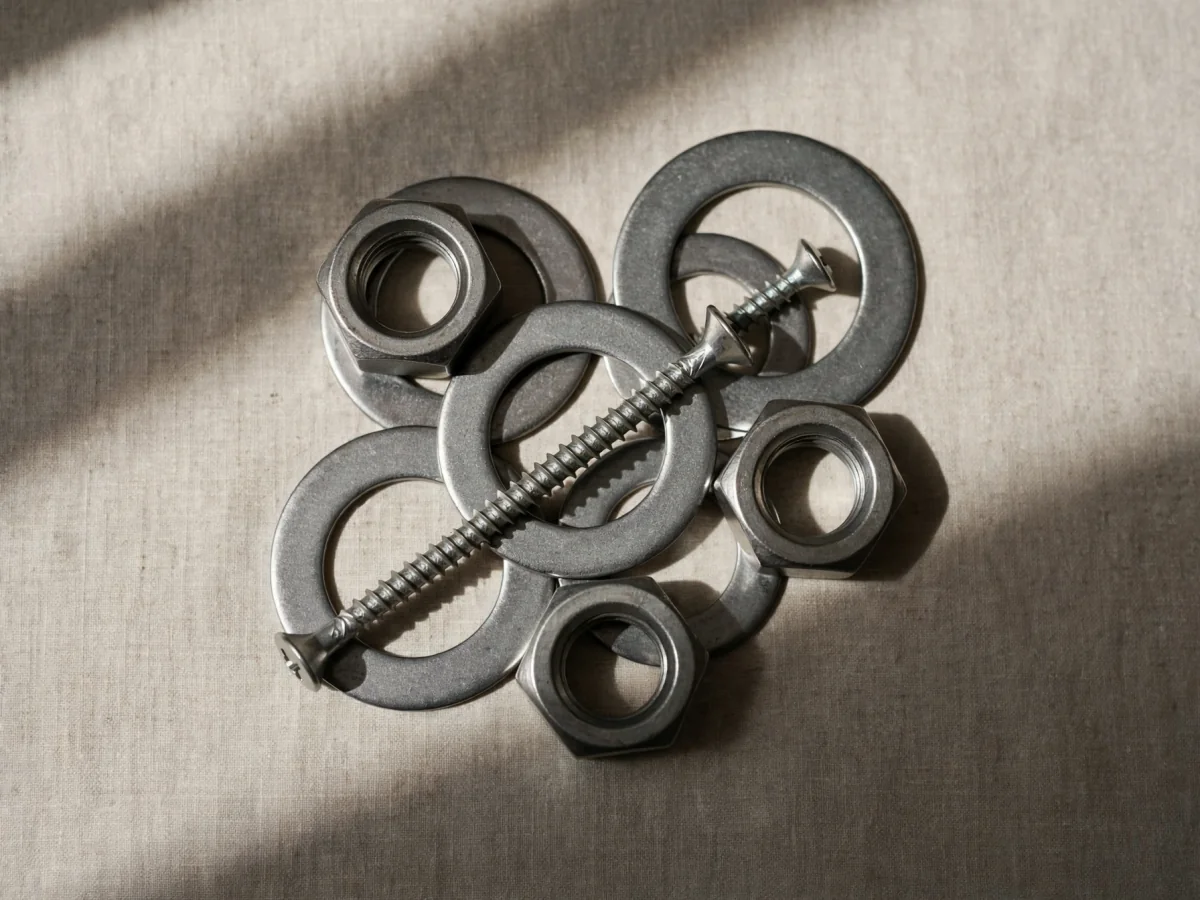
What overlap and lighting can do to a photo count estimate
A photo captures only visible edges and contrast. Overlap, shadows and glare can hide objects, so an estimate may miss details worth checking.
Read article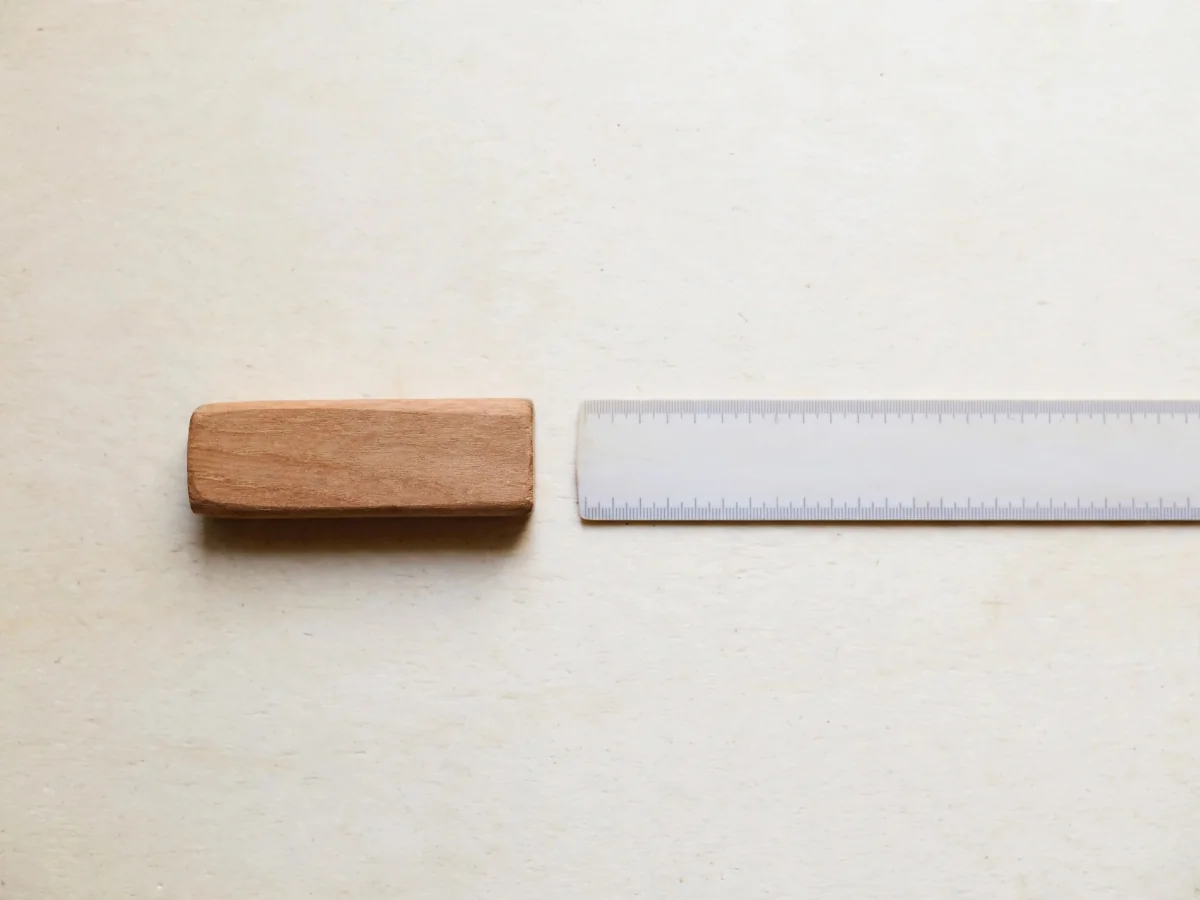
What does “measure from a photo” actually mean?
Measure mode reports detected dimensions and area from an image. These photo-based estimates are not ruler readings or verified physical dimensions.
Read article